Recent raises: companies that just filed a Form D
crimsonlead.com
Link previews
Paste a Crimsonlead link into a chat, a text or a post and the app builds a card from the tags the page sends. These cards are drawn from those same tags.
https://crimsonlead.com/raise
Open
This page sits behind the password. Anyone who opens the link without it gets the sign-in page at the same address, and it sends this same preview.
https://crimsonlead.com/raise
 Crimsonlead
Recent raises: companies that just filed a Form D
Private companies that reported a raise to the SEC in the last few days, matched to payroll, PEO and insurance partners.
Recent raises: companies that just filed a Form D
crimsonlead.com
Recent raises: companies that just filed a Form D
crimsonlead.com
Apps keep a preview for a while after they first fetch it. These refetch this link:
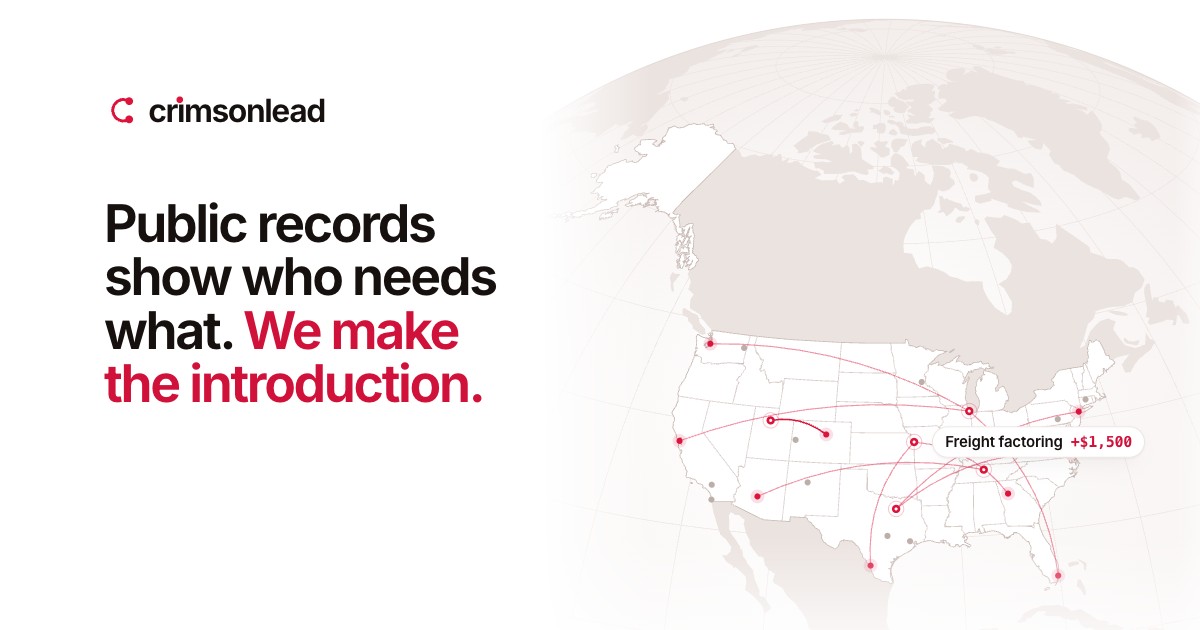
1200 × 630 pixels, the 1.91:1 shape every platform shows without cropping. Every link shares it.
